

ChatGPT vs Claude: the short answer
Choose ChatGPT if you want to evaluate a general-purpose assistant across writing, research, images, voice and guided learning. Choose Claude if your starting point is a document-heavy writing, analysis or coding workflow. Both can produce useful drafts and code; neither guarantees a correct answer. The choice depends on the exact model, plan, tools and task available to you.
This independent comparison is based on official product descriptions checked November 12, 2026. It is not a benchmark of model intelligence or a claim that Toolnetly tested the current models.
| What you need | ChatGPT | Claude |
|---|---|---|
| Everyday questions and writing | General chat and drafting | General chat and drafting |
| Working with documents | File analysis and questions about documents | Document-focused writing and analysis |
| Coding | Coding assistance and Codex tools where available | Coding assistance and Claude Code where available |
| Learning | Study mode for guided practice | Use prompts that require hints and explanation |
| Media | Image and voice features on supported plans | Check current supported input and output formats |
Compare writing and research
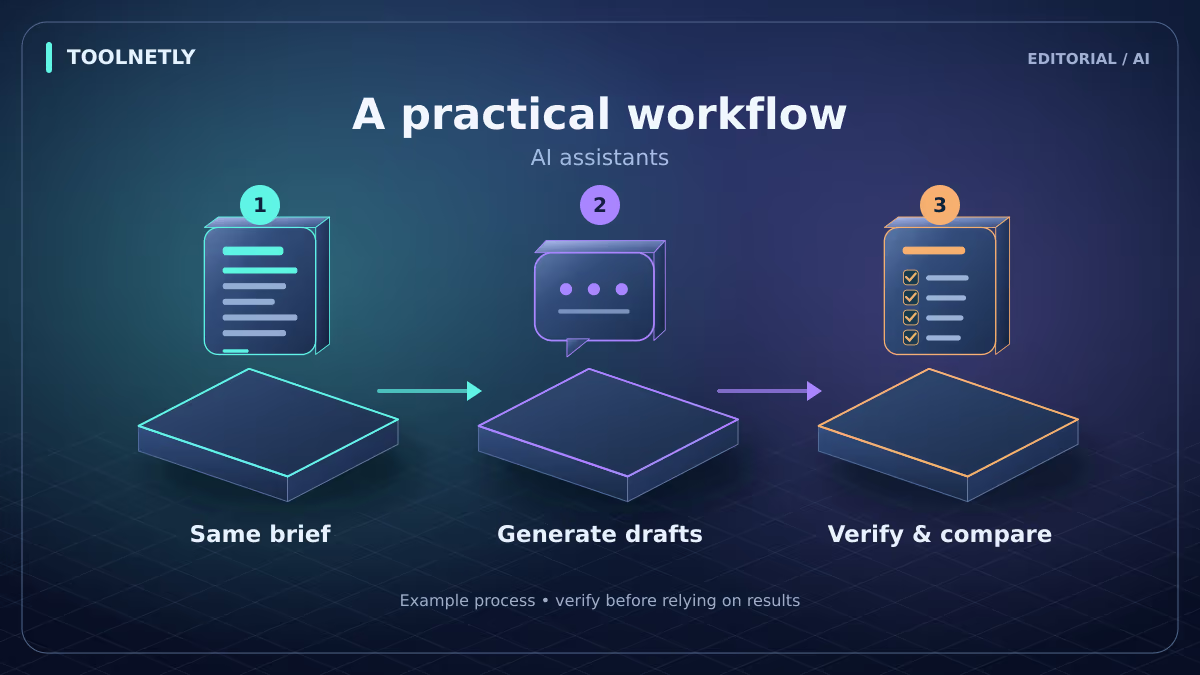
Same brief → Generate drafts → Verify & compare
Use the same brief in each assistant: write a 250-word customer email based only on five supplied facts. Ask for a version that avoids invented promises. Count unsupported claims and the edits you need before sending. A smoother paragraph is not necessarily a better answer.
For document research, provide an approved public report and ask each assistant for a table containing three findings, exact source passages and page references. Open the report yourself. If a claim cannot be traced to the document, mark it as unverified even when the explanation sounds convincing.
ChatGPT offers a Study mode intended to guide learning through questions and explanations. Claude can also be prompted to teach incrementally. For students, our responsible study guide includes examples of active recall and source checking.
Compare coding assistance
Give both assistants a small testable task, such as parsing an input CSV and rejecting malformed rows. Provide the same expected behavior, language and tests. Check whether the result runs and handles edge cases. Review dependencies, permissions and generated code before connecting a coding agent to a production project. Do not upload credentials or private repositories without authorization.
Pricing and plan selection
Both providers offer free access and paid individual plans. Plan names, model access, usage limits and regional prices may change. Check the ChatGPT plan page and Claude plan guidance for the terms that apply to you. API billing is separate from ordinary chat subscriptions. For work accounts, compare retention, administrator controls and permitted data usage as well as the subscription price.
Which assistant should you choose?
Try a free plan first if your work is occasional. If long reports dominate your workflow, test document extraction and source fidelity. If you need voice, images or guided study, check those features directly. If you write code, judge both by passing tests and review effort. Pay for the assistant that reliably improves your actual workload, not the one with the most impressive demo.
A deeper comparison: what to evaluate before subscribing
The first difference to understand is between a model and the product that gives you access to it. A model generates a response; the product provides the interface, file handling, search, account controls and other tools. A comparison of the assistants that ignores those surrounding capabilities can lead to the wrong subscription decision. A researcher may care more about opening a source and exporting a usable table than about a small difference in writing style. A developer may care about whether the assistant can work inside an authorized repository.
Make a short list of the tasks you repeat every week. A broad mix of drafting, study, spreadsheet interpretation and visual questions suggests a different test than a workload dominated by complex documents. Establish your requirements before trying the assistants so that the results are not influenced by whichever interface happens to look more polished.
Writing: compare the final approved document
For example, imagine a freelance designer needs to explain a project delay. Prepare a brief containing the reason, the revised delivery date, what remains unchanged, and one action the client should take. Ask both assistants to draft an email that avoids admitting obligations you have not agreed to. Provide the same brief, length limit and tone.
Read the two emails without identifying the assistant. Mark any invented dates, unnecessary promises or misleading claims. Then assess whether the message gives the client enough information to act. A confident writing style is not valuable if the response introduces a new obligation or blames someone without evidence. You can also ask for a shorter version and see whether the essential information survives.
When evaluating a long report, break the task into a plan, a first draft and a fact-checking pass. Ask the assistant to preserve the headings you approved. Compare the time needed to review each section, not just the time needed to generate a document.
Research and document analysis
For a public policy report, choose a file with tables, footnotes and definitions. Ask each assistant to identify the difference between a count and a percentage, locate the underlying table, and explain what the reported denominator means. Check each answer against the file. Include one deliberately unanswerable question: for example, ask for a statistic that the report does not contain.
A reliable response should admit that information is missing instead of inventing a value. Record whether it gives you a traceable page or section. If an assistant cites an external webpage, open that page and confirm the date and content. Our research tools guide explains why specialized academic search products may be a better complement when you need to locate scientific studies.
Images, audio and interaction
If your work involves diagrams, photographs or voice conversations, verify exactly which inputs and outputs your account supports. Try a permitted product photograph or a simple diagram and ask for a description of observable features. Avoid asking the assistant to infer a person's identity, intent or sensitive attributes. For visual generation, compare composition, editing flexibility, commercial-use conditions and the time required to make a usable image.
In an oral learning exercise, test how well an assistant lets you interrupt, ask a follow-up and recover from a misunderstood term. Do not assume that voice capabilities or available tools are the same across devices and plans. Check the current product documentation for the account and interface you actually intend to use.
A repeatable evaluation scorecard
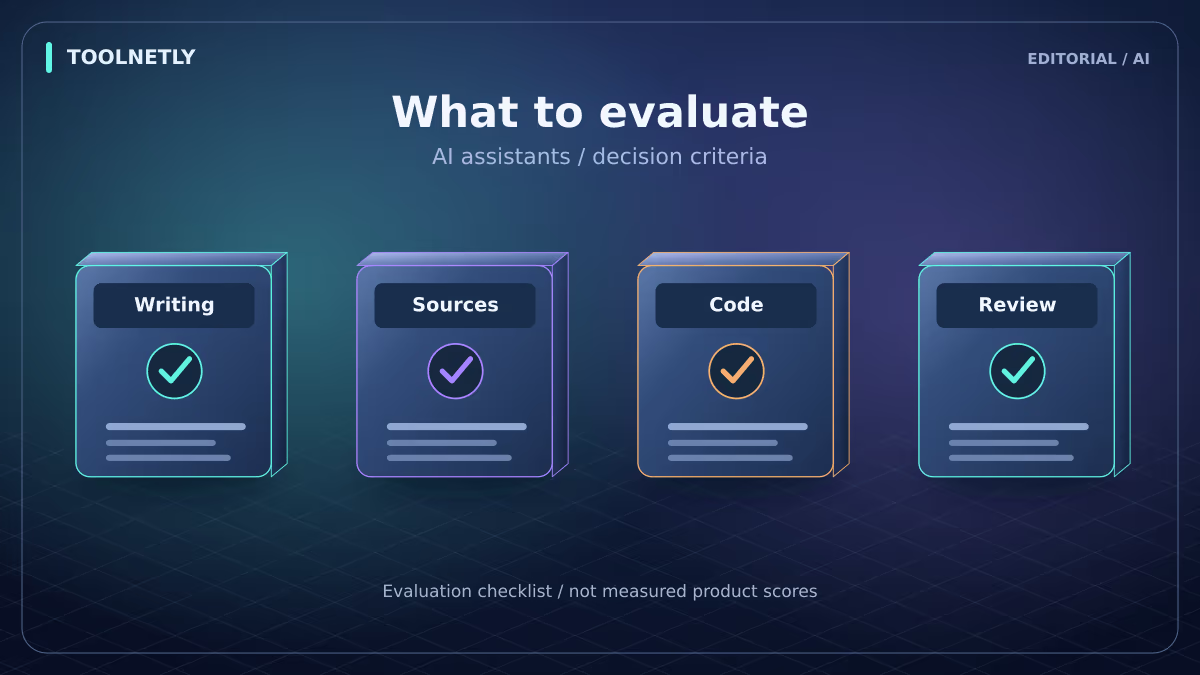
Evaluation criteria: Writing, Sources, Code, Review. The illustration does not represent measured scores.
| Criterion | Test | What a good result looks like |
|---|---|---|
| Instruction following | Same brief with three explicit constraints | All constraints retained without repeated reminders |
| Source fidelity | Find a figure in an approved report | Exact source location and no fabricated numbers |
| Writing quality | Customer email from verified facts | Clear action, accurate details and little editing |
| Coding quality | Implement a small function and tests | Expected tests pass and errors are handled |
| Uncertainty | Ask an unanswerable question | Missing evidence acknowledged rather than guessed |
| Workload fit | Complete a representative weekly task | Less total review time without lowering quality |
Set the weights yourself. A writer may prioritize source fidelity and editing effort, while an engineer may give more weight to tested code. Rate each result from zero to three using written reasons. Run the same prompts at least twice if a decision depends on an unstable answer. The goal is to choose an assistant for your real tasks, not to publish a universal intelligence ranking.
Example: compare the cost of a real workflow
Suppose you spend two hours every Friday preparing an internal report. Run a pilot using non-sensitive sample information. Record twenty minutes for creating the input brief, thirty minutes for verifying the draft and ten minutes for formatting. That is sixty minutes of human time, compared with the original two hours. These are hypothetical numbers, not results measured by Toolnetly.
If one product reduces generation time but needs another forty minutes of fact checking, it may have less value than a slower assistant. Add the cost of subscriptions, external APIs and any employee training. For a team, consider whether every person needs a paid seat or whether a smaller number of accounts fits the permitted workflow. Do not share personal credentials to save subscription costs.
Common mistakes when comparing AI assistants
Do not compare different tasks and then attribute the outcome to the model. Do not count the number of paragraphs as evidence of better reasoning. Do not trust a citation simply because it resembles a real source. Finally, avoid sharing confidential files in a test until you have checked the account's data handling and your organization's policy.
If you are evaluating a coding assistant, never let a generated script access production credentials or execute destructive operations without review. Use a disposable environment, a small fixture and tests that assert the required behavior. When the code passes, still inspect dependency choices and error handling.
Frequently asked questions
Is Claude better than ChatGPT for long documents?
Both are candidates for document work. Check the supported file types, limits and the quality of extraction on a document you actually use. A longer supported input does not establish that every fact in the document will be recalled correctly.
Which assistant is better for programming?
There is no universal answer. Test the same language, dependencies and acceptance criteria, then compare passing tests, maintainability and security. Check whether the coding tools available to your account can operate on the repositories you are authorized to use.
Can I use ChatGPT and Claude together?
Yes. For example, draft a document with one and ask the other to critique it against the original brief. Treat the second response as another opinion, not independent verification of a factual claim. Avoid sending confidential material to two services unnecessarily.
Should I pay for both subscriptions?
Only if their separate capabilities demonstrably save enough time or support different work. Start with a free evaluation when available, then purchase based on measured usage and the limits of the plan you choose.
Which one should a beginner choose?
Pick the assistant with an interface and features you understand. Practice on small, low-risk tasks, check the answers and learn to give clear constraints. Switch if a specific need remains unmet rather than because a ranking changes.
Sources: ChatGPT overview, Study mode, Claude overview, and the official pricing pages above.