

When should you replace Otter.ai?
Otter.ai provides meeting transcription and searchable notes. Consider another product if your team needs a different recording workflow, more useful summaries, specific meeting integrations or an editor for recorded interviews. A transcript tool and a meeting assistant are not always interchangeable.
Compare four alternatives
| Tool | Useful starting point | Check first |
|---|---|---|
| Fireflies.ai | Search and analyze team conversations | Supported meeting platforms and CRM permissions |
| Fathom | Capture meeting notes and share highlights | Meeting platform support and sharing controls |
| Granola | Combine personal notes with meeting context | Device support and recording or transcription behavior |
| Descript | Edit recordings and interviews using text | Export formats, transcript accuracy and editing limits |
Descript is included for a different job: turning existing audio or video into edited content. It is not presented as an equivalent meeting bot.
Run a realistic meeting-note comparison
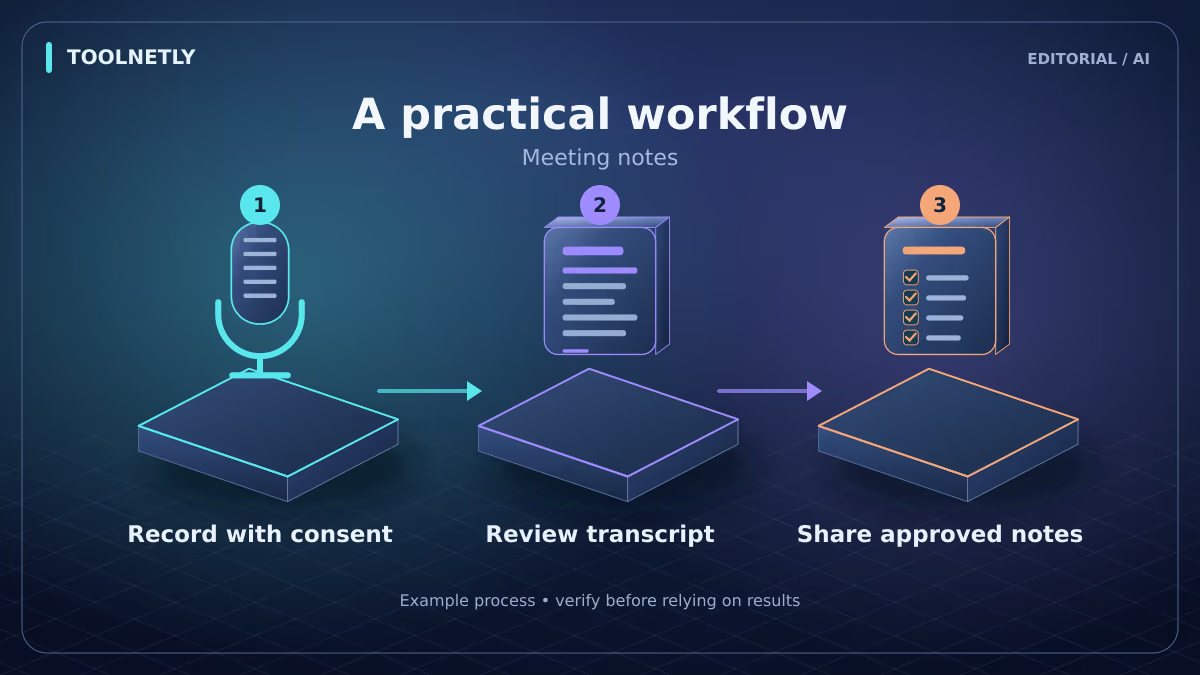
Record with consent → Review transcript → Share approved notes
Create a ten-minute mock meeting with two speakers and permission to record. Include a decision, a deadline, a product name and an ambiguous commitment. Ask each tool to identify decisions, owners and deadlines. Compare the transcript and summary with the recording.
Measure whether the assistant assigns a task to the right speaker. Check how it handles interruptions, accents and technical terms. An attractive summary is less valuable if it turns a tentative suggestion into an agreed action.
For interviews, compare how quickly Descript lets you correct names and trim unwanted sections. For regular meetings, inspect how Fireflies, Fathom and Granola fit the existing calendar and note-sharing workflow.
Privacy and recording
Before enabling any meeting assistant, obtain the consent and authorization required for your organization and jurisdiction. Inform participants how notes or recordings will be used. Check where recordings are retained, who can access them, how to delete them, and whether the tool trains on your data. Disable automatic sharing until you understand permissions.
Pricing may depend on seats, meeting duration, recordings, storage or advanced analytics. Compare current terms on official sites rather than assuming that a free plan is unlimited.
Which alternative fits?
Choose Fireflies for an evaluation of team conversation search, Fathom for meeting highlights, Granola for a personal-note workflow, or Descript when the deliverable is edited audio or video. Continue using Otter if its existing transcript and sharing workflow already meets your requirements.
See AI tools for small business for more workflow examples.
Understand the type of meeting assistant you need
Meeting notes are not a single job. One team may want a searchable record of calls across the organization, another may want a private personal note-taking experience, and a media creator may want to edit the actual recording. Distinguish the intended output before choosing a product.
For team meetings, the most important record may be a list of decisions and responsible people. For an interview, the most important record may be a transcript with accurate names and timestamps. For a customer call, the team may need a summary connected to an authorized CRM record. These requirements create different tests for each alternative.
Fireflies: evaluate shared conversation workflows
For a team that reviews many meetings, consider how searchable transcripts and summaries fit the organization's process. Test whether the records can be grouped by the correct project and whether only authorized people can access them. Check supported meeting services, languages, export formats and current integration options on the official website.
Create a fictional sales meeting with an agreed deadline and a question that remains unresolved. Compare the resulting notes against the recording. Does the summary distinguish a decision from a suggestion? Does it assign the action to the right person? An integration that forwards an incorrect task into a CRM could create more work than it saves.
Fathom: evaluate concise meeting highlights
A team that mainly needs a quick recap may value a workflow for capturing important moments and sharing notes. In a pilot, mark two decisions, a change of deadline and an unresolved issue. Ask the participants to review the recap. Determine how much editing is needed before sending it.
Check the meeting platforms and devices you use, how participants are notified and who receives the recording or notes. Review whether the sharing settings can match your internal policy. Do not assume that any automatic note-sharing default is appropriate for sensitive conversations.
Granola: evaluate personal notes
For a knowledge worker, notes may begin with a few phrases typed during a discussion. An assistant that combines personal notes with meeting context could help turn those fragments into a more organized record. Test how well it preserves the note-taker's intended emphasis without silently adding conclusions.
Use a short mock meeting in which your personal notes intentionally include an open question. Check that the final summary does not convert it into an answer. Evaluate device support, how transcripts are captured, and the controls available for storing or deleting records.
Descript: evaluate editing rather than meeting automation
Descript is a different kind of alternative for creators who already have audio or video. Its text-oriented editing approach can be useful when you need to remove sections, correct captions or turn interviews into content.
Use a five-minute recording with two speakers and several technical terms. Measure the time required to correct the transcript and produce the desired edited output. Verify captions against the audio. If your primary need is an automatic team meeting recap rather than media production, prioritize a meeting-oriented candidate instead.
Compare the actual deliverables
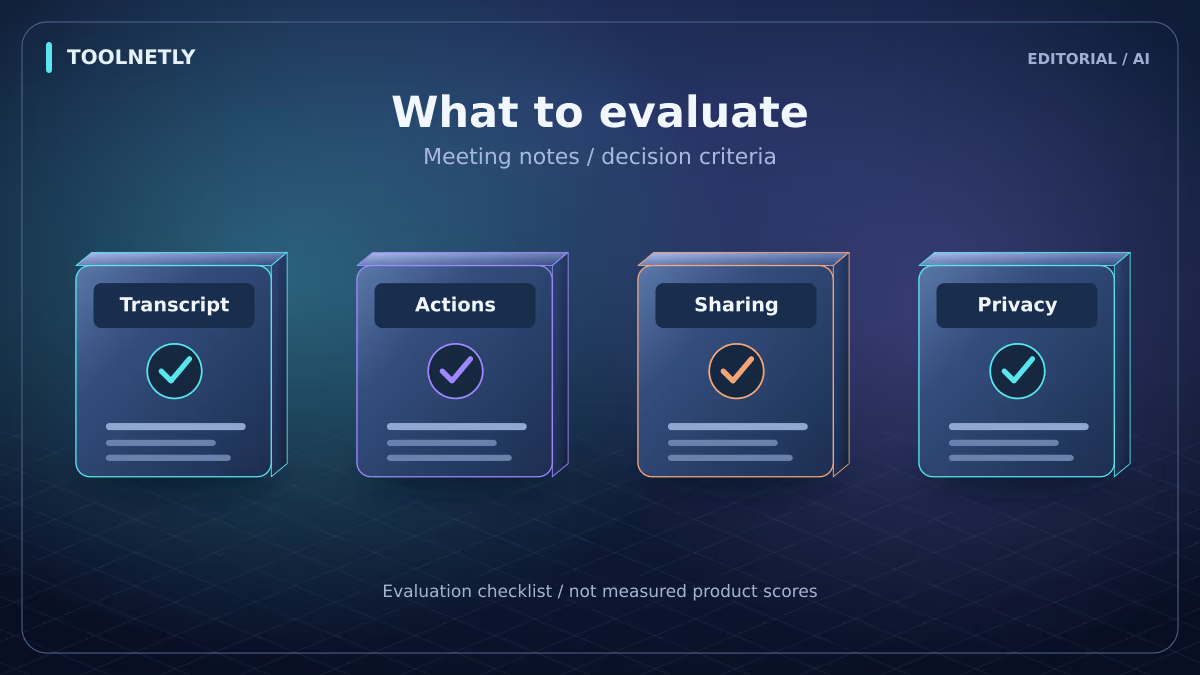
Evaluation criteria: Transcript, Actions, Sharing, Privacy. The illustration does not represent measured scores.
| Deliverable | What to inspect | Example acceptance criterion |
|---|---|---|
| Transcript | Names, numbers and terminology | Important terms match the recording |
| Summary | Decisions versus discussion | Unresolved questions are not described as decisions |
| Action items | Owner and due date | No invented commitments |
| Search | Ability to locate a previous topic | Correct meeting and passage retrieved |
| Sharing | Access scope and external links | Only intended recipients can open the record |
| Export | Format and downstream compatibility | Record opens in the team's approved system |
A tool can produce a polished summary while still failing a critical criterion. Build a scorecard that puts the highest weight on your own meeting outcomes.
Design a consent-aware pilot
Use fictional meeting information or a recording for which all necessary permissions are established. Explain to participants why the test is being conducted, what will be captured and where the output will be stored. Include a clear way to decline participation or use a manual note-taking option.
Avoid recording meetings involving confidential employee matters, sensitive client information or other restricted content until your organization has reviewed the applicable rules. Requirements differ by jurisdiction and context. Even if software makes it easy to join or record a call, that does not establish consent or lawful authority.
Inspect retention and deletion options, including how long backups may remain and whether an exported copy still exists elsewhere. Review access for contractors, former employees and external guests. When connecting a meeting tool to a CRM, grant only the permissions required for the intended operation.
Calculate value for a meeting-heavy team
Imagine four staff members attend three internal meetings each week. The team currently spends a total of two hours producing and checking notes. An assistant may reduce the first draft effort, but someone still needs to verify decisions, dates and tasks. In a pilot, record the time spent capturing, editing, approving and sharing the notes.
Include any seat charges, recording or storage limits and extra administration. Compare the cost of errors as well as time savings. A single incorrect deadline forwarded to a customer could outweigh several minutes saved on note-taking.
The most useful plan is one that supports your actual number of meetings and people without encouraging unnecessary recording. Review the providers' current plan descriptions and terms.
Frequently asked questions
Which Otter alternative is best for Zoom or Google Meet?
Check each provider's current supported meeting platforms and account requirements. Then test your actual meeting workflow with a permitted recording. Platform support can vary by product, device and plan.
Are AI meeting notes accurate enough to send automatically?
Do not assume they are. Review names, numbers, decisions and commitments before sending customer-facing notes. Automation can prepare the draft, but a person should approve consequential statements.
Can I record a meeting without everyone knowing?
You must follow the applicable consent, privacy and recording requirements and your organization's policy. Provide clear notice and obtain any required permission. Use manual notes if recording is not authorized.
Which tool is better for editing a podcast?
Consider an audio and video editor such as Descript for the editing workflow. Test transcription corrections, export formats and your desired editing tasks. A meeting assistant serves a different primary purpose.
Can I use these tools for confidential client calls?
Only if the use is authorized and the provider's security, retention and data processing terms meet your obligations. A paid subscription is not itself permission to share confidential material.
For related workflows, explore our small business AI guide and workflow automation comparison.
A final check before importing existing recordings
If you are moving an archive of meeting recordings from another service, examine the export format and whether the replacement can import it. Keep the original files and the approved meeting notes until you have confirmed that the new system preserves the records you need. Check whether deletion in the old service also requires removing shared links or exported copies. A successful migration should preserve access for authorized staff without exposing meetings to people who did not previously have permission.
Official product sources checked November 12, 2026: Otter, Fireflies, Fathom, Granola, Descript. No product accuracy benchmark or hands-on rating is claimed.