

Make vs Zapier: the main difference
Make provides a visual environment for building scenarios with multiple modules and routes. Zapier offers a broad app-integration ecosystem and workflows built around triggers and actions. Both support AI-assisted automation. Which is easier depends on your integrations, branching logic and the people who will maintain the workflow.
This comparison uses provider documentation, checked November 12, 2026, rather than measured performance tests.
| Criterion | Make | Zapier |
|---|---|---|
| Workflow design | Visual scenario canvas | Trigger-and-action workflows |
| Complex conditions | Map fields and connect branches | Filters, paths and multi-step workflows |
| Connections | App modules and API integrations | App connectors and AI automation tools |
| Usage costs | Check current credit rules | Check current task rules |
| Maintenance | Inspect each module and route | Inspect actions and task history |
Test the same customer enquiry workflow
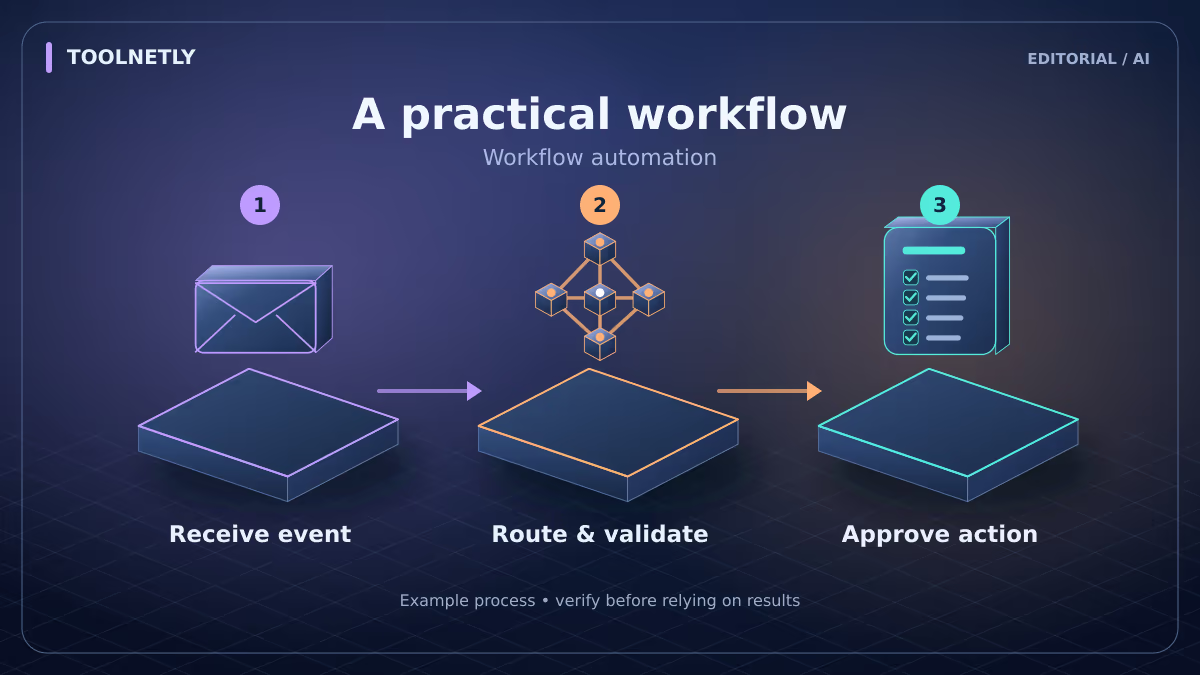
Receive event → Route & validate → Approve action
Imagine a service business receives 500 enquiries a month. Every submission must be stored, categorized and routed to an employee. A draft response should be generated but never sent until someone approves it.
In Make, create a scenario with a form trigger, data mapping, a router and an approval destination. In Zapier, create a workflow with the same trigger, app actions, conditional routing and approval step. Use a test account and fake customer records.
Run ten inputs: a normal enquiry, a missing email, a duplicate, an attachment, an unsupported category, an oversized message, a model timeout, a failed CRM update, an invalid answer and an approved draft. Record the number of steps executed and whether each failure is visible to the operator. Compare how easily you can replay the failed case without creating duplicate records.
Compare pricing without misleading estimates
A workflow that runs 500 times is not automatically billed as 500 tasks or credits. Branching, repeated operations, retries and AI steps may affect the total. Use each provider's current billing definitions and actual run history to estimate monthly usage. Review Make pricing and Zapier pricing, including feature restrictions and any external AI provider charges.
Which is better for your team?
Start with Zapier when the required apps and straightforward trigger-action workflow are supported and your team prefers that editor. Start with Make when visualizing multi-branch data transformations is especially useful. If your organization needs a self-hosted option, evaluate Activepieces separately rather than assuming either hosted platform satisfies the requirement.
For both platforms, check authentication, least-privilege access, error alerts, logs and human approvals. See our Zapier alternatives and small-business AI guide for more options.
A closer look at automation design
A workflow platform is not simply a list of integrations. It also defines how your team sees data moving, handles exceptions and changes a process over time. A straightforward workflow may contain a trigger, a filter and two actions. A more complicated one may need branching, transformations, pagination, retries and several different destinations. The visual representation matters because a colleague must be able to diagnose a failure after the original author leaves.
Before picking a product, draw your process without using either platform. Write down where data originates, what fields must be present, which records are authoritative and what happens when an action fails. This gives you a specification you can use in both environments.
Compare data mapping and conditional logic
Take a form with an email address, service type, preferred time and optional message. The business needs to send each valid submission to one of three teams. A missing email should create an internal exception, not a customer message. A duplicate should update or ignore an existing record rather than create a second lead.
In Make, evaluate how the scenario canvas displays the source fields, transformation modules and separate routes. In Zapier, evaluate how filters and conditional paths organize the same rules. The important question is whether a person can read the workflow and predict which route a particular submission will take. Make sure you know how each platform treats an empty field, a missing field and an empty string.
Store a stable submission identifier before performing an action that cannot easily be reversed. If the CRM call times out, the platform may not know whether the record was created. Look for the identifier on a retry rather than blindly creating another record. This general reliability technique is sometimes called idempotency.
Compare integrations beyond the app name
An integration that lists your CRM does not necessarily support the operation you need. Open the connector documentation and check the exact trigger, fields, permissions and account requirements. For instance, you might need to update a custom field rather than merely create a contact.
Test an account with only the permissions required for the task. An administrator account may make a proof of concept appear successful while hiding permission problems that will occur in production. Check whether webhooks or API requests are available when a standard module does not support a required action. Consider the extra maintenance burden of custom code or authentication.
A sample architecture for AI-assisted routing
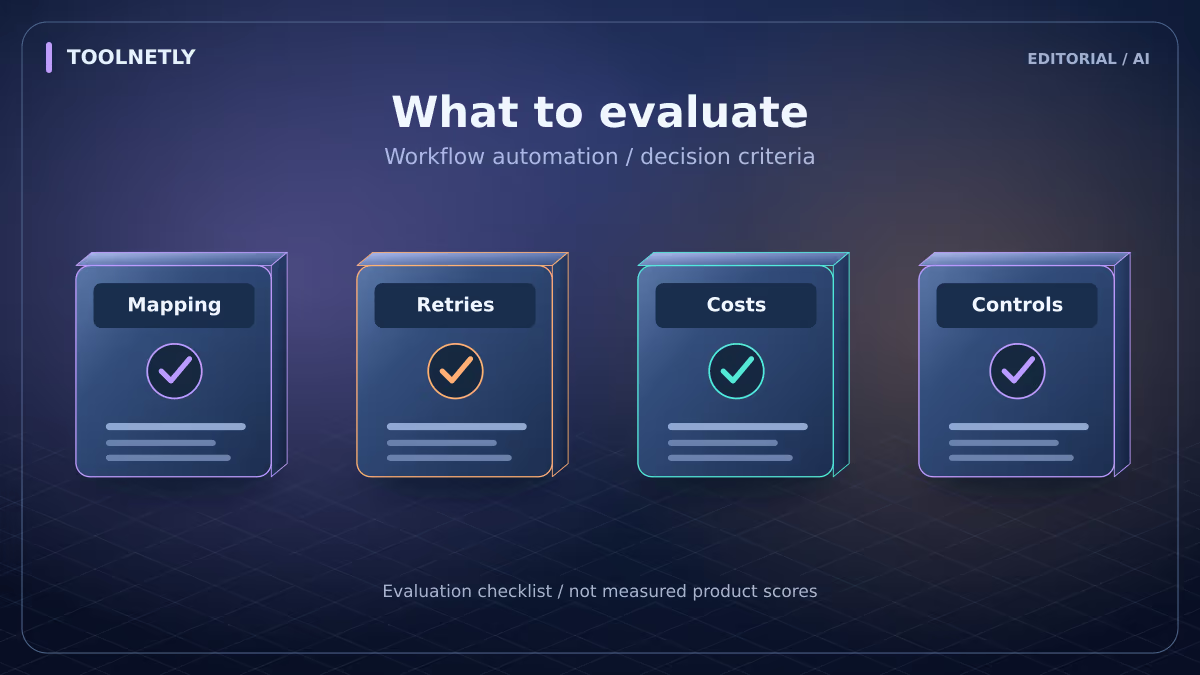
Evaluation criteria: Mapping, Retries, Costs, Controls. The illustration does not represent measured scores.
| Step | Purpose | Failure handling |
|---|---|---|
| Receive submission | Save raw event with stable ID | Reject malformed data and preserve an error log |
| Validate required fields | Check email and service type | Route incomplete requests to an operator |
| AI classification | Select a category from a fixed list | Reject unknown labels and uncertain output |
| Create or update CRM | Record approved fields | Retry safely using the stable identifier |
| Prepare response | Produce a draft from approved facts | Never send if information is missing |
| Human approval | Confirm the customer-facing message | Record approver and time |
This is an illustrative architecture. It does not mean every action is included in every plan. For a production workflow, use each provider's current integration documentation and verify that all steps are available.
AI outputs should have a narrow contract
Do not ask a model to freely decide what to do with a customer record. Give it a limited schema, such as one of three categories and a short explanatory note. Validate the category before routing. Treat the customer message as data rather than instructions for the automation. A customer might include text asking the assistant to ignore its rules or reveal private information.
If the model returns an unsupported category, route the record to a manual queue. If it times out, keep the original submission and alert the operator. An AI step should never be the only place a customer request is stored.
Calculate the total cost of ownership
A useful cost estimate includes more than a subscription. Create a spreadsheet with the number of incoming events, operations in each successful route, extra actions for failed cases, model calls, external application fees and staff review time. Multiply using the billing definitions on each platform's current pricing page.
For an illustrative example, suppose 500 monthly submissions need five actions each and 50 require two additional actions. That is 2,600 action executions in your own measurement. It does not establish 2,600 billable tasks or credits; each provider may count particular operations differently. Confirm the actual billable units and any plan allowances before using the number in a budget.
Compare the effort needed to change a rule, such as adding a fourth team or altering the approved response template. A slightly higher subscription may be economical if maintenance is easier. A lower subscription can become expensive when one workflow requires several hours of troubleshooting every month.
Prepare a safe migration or first deployment
Start with a test environment that uses fictional data and non-production destinations. Export or document the existing automation, including any mapping, credentials, schedules and alerts. Rebuild one representative process before migrating the rest.
During a parallel test, keep external actions disabled on the new system. Compare its proposed CRM changes and message drafts with the old workflow. Do not send duplicate emails or create duplicate orders. Define a cutover time, an owner who can stop the new workflow and a clear rollback procedure. Preserve the old configuration until the replacement passes your acceptance checks.
Frequently asked questions
Is Make cheaper than Zapier?
It depends on the workload and current plans. The platforms may count usage differently. Estimate the actual billable operations for your process and compare the features you need, not just the advertised entry price.
Which is easier for someone without coding experience?
Try a small workflow in each editor and ask the person who will maintain it to modify a condition and diagnose a failure. The easier platform is the one that the actual operator can understand and maintain.
Can Make or Zapier replace all custom software?
No. Some processes need transactional guarantees, strict latency, custom authorization or specialized logic. A workflow platform may integrate with a purpose-built service rather than replace it.
Can I use both platforms?
Yes, but avoid duplicating responsibilities. If one receives an event and the other processes it, define the handoff, record identifier and error ownership. Two disconnected automations can make failures harder to trace.
How do I decide whether to automate a task?
Choose a repetitive, well-defined process with stable inputs, measurable value and reversible outcomes. If the rules change every day or the consequences of an error are high, improve the manual process before automating.
For a broader comparison of automation products, see Zapier alternatives and our no-code AI workflow guide.
Official sources: Make, Zapier, and their current pricing pages.