

Why look for an alternative to Zapier?
Zapier connects apps and automates repeated work. A replacement makes sense when a workflow is hard to maintain, your usage costs no longer fit the budget, or you need deployment and permission controls that your current setup does not meet. Before switching, identify the precise problem rather than assuming every alternative is cheaper.
Four options to evaluate
| Alternative | Consider it for | Check before migrating |
|---|---|---|
| Make | Visual multi-step scenarios | Required modules, branching, error handling and credits |
| Activepieces | App workflows and AI agents, including self-hosting options | Connectors, deployment responsibility and access controls |
| Lindy | AI assistants for recurring work | Human approval, connected apps and task reliability |
| Notion AI | Knowledge work inside a shared workspace | Whether the job needs an external automation engine |
Notion AI is not a general-purpose replacement for every app integration. It is an option only when the original automation primarily finds, summarizes or updates workspace information.
Pick an alternative by the problem you need to solve
If a Zap becomes difficult to understand because it contains several conditional paths, rebuild a representative branch in Make and ask a colleague to review the visual flow. If data residency or deployment control is the issue, investigate Activepieces' documented deployment options and calculate the cost of maintaining your own infrastructure.
For an inbox assistant, test Lindy on non-sensitive example messages. Require a structured category and a draft response, then route uncertain cases to a human. Do not allow automatic sending until the workflow has demonstrated reliable handling of exceptions.
Migration checklist
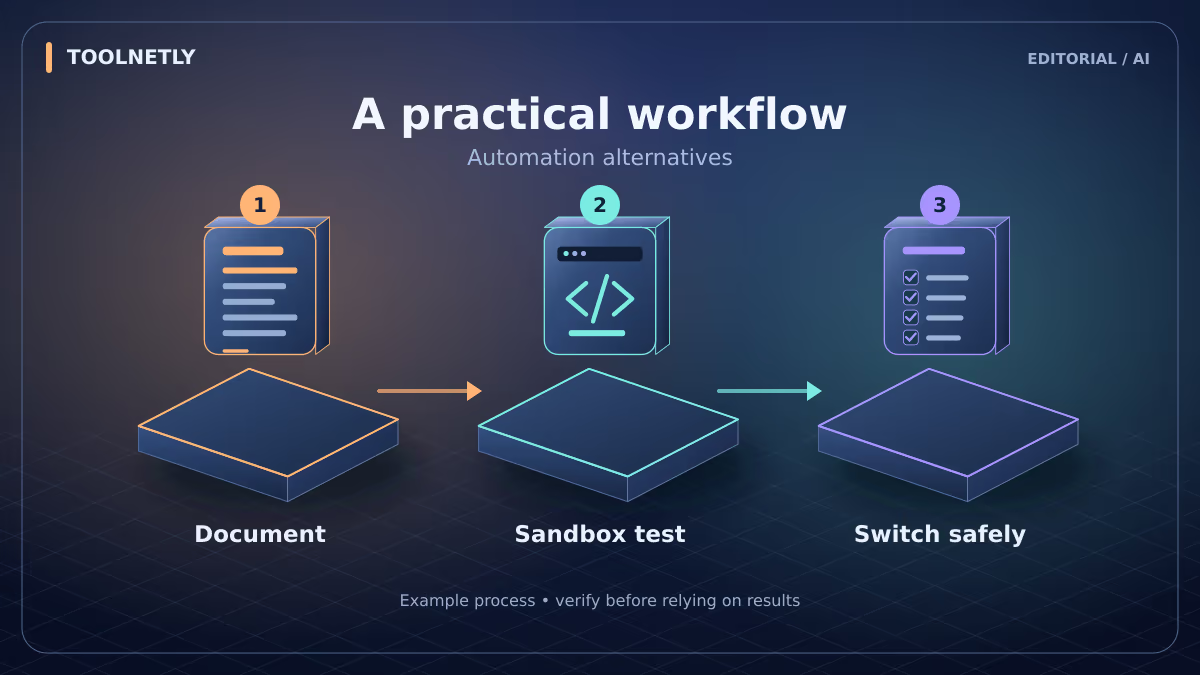
Document → Sandbox test → Switch safely
Export or document the original workflow before making changes. List its trigger, credentials, data mapping, filters, actions, error rules and scheduled frequency. Create a small test dataset with duplicate and missing values. Build the replacement in a sandbox and compare outputs to the original. Keep both systems from sending live actions at the same time.
When comparing cost, include paid connectors, AI usage, compute, retries and staff maintenance. Verify that your exact integration exists in the replacement; a long integration list does not establish support for a particular action.
A practical choice
Make is a strong first comparison for visual workflow design. Activepieces is worth examining when hosting flexibility matters. Lindy or Notion AI may fit narrower assistant or knowledge-management tasks. Keep Zapier if it already handles the workflow reliably at an acceptable cost.
Read Make vs Zapier for a controlled side-by-side pilot, or the small business guide.
Start with the reason for switching
A migration can consume more time than the original automation saves. Before comparing a replacement, write down the reason you are dissatisfied. Common examples include a difficult-to-read workflow, a missing connector action, unexpected usage costs or a need for more control over hosting. Each of these problems points to a different shortlist.
If a single Zap is hard to maintain, the solution may be to split it into smaller workflows or improve its documentation. If costs are the concern, measure the billable usage of the busiest automations. Replacing the platform without understanding those costs can reproduce the same problem under a different billing model.
Make: evaluate visual complexity
Consider Make when a process has multiple branches, transformations or repeated actions and the team wants to inspect those relationships visually. Start with the most complicated workflow you can explain in a few sentences. Rebuild a small section rather than copying every step immediately.
For example, an online shop receives three kinds of enquiries: product questions, delivery questions and returns. Each route needs different CRM fields and response templates. A visual canvas may help the operator see where those routes diverge and converge. The pilot should include a malformed submission and a failed CRM call, not just a perfect enquiry.
Activepieces: evaluate deployment and ownership
An organization that wants more control over where its automation runs can examine Activepieces' self-hosted options. Before making that decision, identify who will install updates, manage backups, protect credentials and respond to outages. Self-hosting is not synonymous with zero cost or automatic compliance.
Use a sandbox to confirm that the required connectors support your actions. Check whether your preferred deployment has the same features as the hosted service and which responsibilities remain with your team. Review the official Activepieces documentation and current licensing and deployment information before selecting a plan.
Lindy: evaluate agent-based workflows
A general automation workflow usually follows explicit rules. An AI assistant can help when a task contains unstructured text, but its output must be constrained and checked. Lindy is worth evaluating if the main process involves messages, summaries and connected business actions rather than a predictable data transfer.
Test a synthetic inbox with a normal request, a complaint, an ambiguous message and an instruction that attempts to override your policy. Require a limited set of categories and a draft response. Verify that an uncertain case can go to a human. Check permissions for every connected service before enabling live actions.
Notion AI: evaluate knowledge work rather than app automation
If the existing workflow mostly searches internal documents, organizes notes or drafts updates inside a workspace, Notion AI may be relevant. It should not be described as a full replacement for a multi-application workflow platform. Check whether a dedicated automation tool is still necessary to move data into and out of other systems.
For example, a consulting firm might need a weekly summary of project notes. A knowledge assistant can help organize the summary when the approved information already lives in the workspace. A separate integration may still be needed to receive external form submissions or update the accounting system.
Build a migration decision table
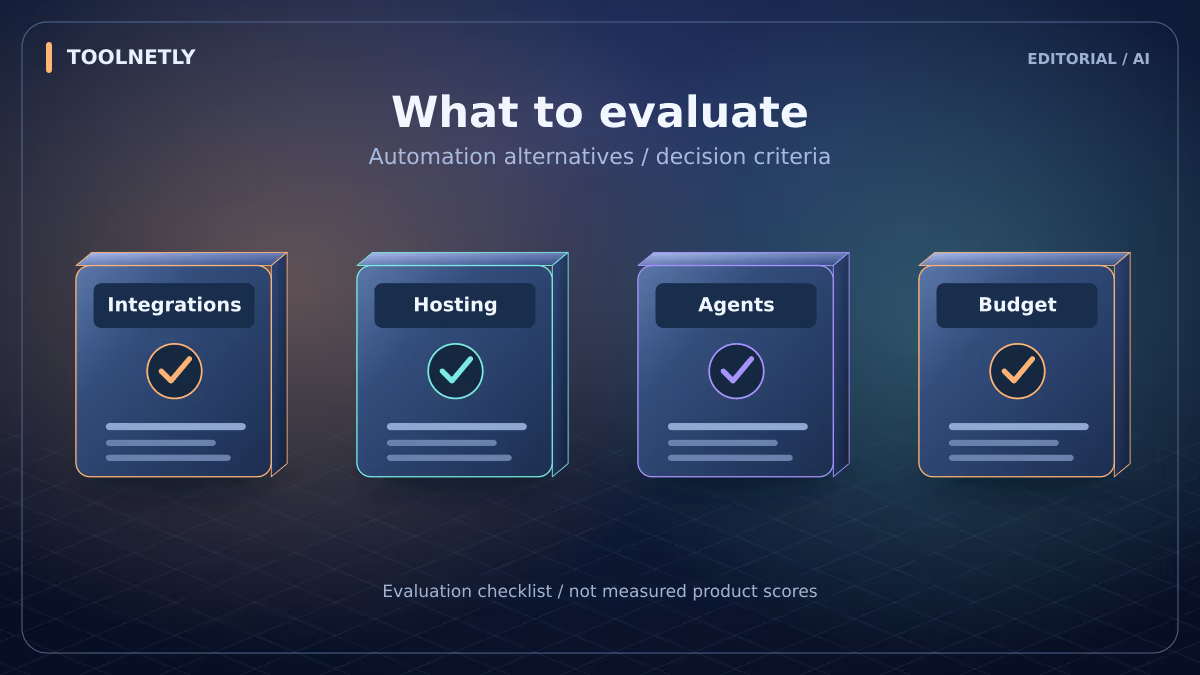
Evaluation criteria: Integrations, Hosting, Agents, Budget. The illustration does not represent measured scores.
| Business requirement | First option to evaluate | Evidence to collect |
|---|---|---|
| Several branching routes | Make | Readability of a representative visual scenario |
| Deployment control | Activepieces | Hosting architecture, updates and required connectors |
| Unstructured inbox work | Lindy | Reviewable drafts, permission scope and exceptions |
| Shared internal knowledge | Notion AI | Source access, permissions and relevant workspace features |
| Existing reliable integrations | Keep Zapier as baseline | Actual usage and maintenance records |
This table is a decision aid, not a claim that one product outperforms another. Use your own requirements to identify which comparison deserves a trial.
A worked example: move a lead-routing workflow
Suppose a sales form currently creates a lead, classifies the enquiry, sends an internal notification and prepares a response. First, record the current workflow's inputs and outputs. Save a small dataset containing ten fictional submissions, including two duplicates and one missing email.
Build the replacement in a test environment. Run the dataset and compare the resulting records with the expected output. Check whether the duplicate remains a single lead and whether the invalid submission is preserved for correction. Test an expired connection or unavailable CRM service. The system should produce an error that an operator can investigate rather than silently dropping the event.
Next, compare the original platform's usage with the replacement's usage according to their current billing definitions. Include additional actions for retries and external AI costs. An initial build that runs correctly once is not sufficient evidence of a successful migration.
Finally, schedule a controlled cutover. Stop the old workflow from performing live actions before enabling the new one. Monitor records for duplicates and missed events. Keep a written rollback procedure so you can return to the original if the replacement fails.
Questions to ask about security and maintenance
Identify who can view the workflow, modify a connection, approve a message or retrieve logs. Separate a builder's permissions from a customer-facing automation's permissions where possible. Check whether the provider supports the account controls you require.
For a self-hosted deployment, include patching and backup recovery in the pilot. For a hosted platform, read the current data retention and incident communication terms. In both cases, avoid placing passwords or API secrets in the workflow's plain-text prompts or logs. Limit the data transmitted to an AI service.
How to compare pricing fairly
Calculate your monthly workload before consulting a pricing page. Estimate the number of events, average operations per event, additional operations for exceptions and the number of people who need access. Include infrastructure and maintenance time for self-hosted options. Check whether a paid connector or an AI provider adds a separate cost.
Do not assume that every app's free plan permits production usage or unlimited executions. Read Zapier pricing and Make pricing, then consult the current pricing information for your shortlisted alternatives. Compare the entire cost of running the workflow, not a single advertised number.
Frequently asked questions
What is the best free Zapier alternative?
Start by identifying your required connectors and volume. A free tier or self-hosted option may be sufficient for a small test, but it can still require infrastructure or paid services. Verify usage and commercial terms before relying on it.
Is Activepieces a replacement for every Zap?
Not necessarily. Check each trigger and action and whether your deployment supports the required integration. Custom actions may need additional development.
Can AI agents replace my Zapier workflows?
They can help with unstructured tasks such as categorization and drafting. For predictable data movement, explicit workflow rules may be simpler and more reliable. Use validation and approvals for any agent that can act externally.
Should I migrate all automations together?
No. Start with one reversible workflow, measure results, document the process and move the next one only after the pilot is stable.
Where can I compare Make and Zapier directly?
Our Make vs Zapier guide gives an example of the same lead-routing process implemented with either platform and a checklist for comparing cost and error handling.
Sources checked November 12, 2026: Make, Activepieces, Lindy, Notion AI, Zapier. This is a documentation-based shortlist, not a hands-on ranking.