
TL;DR. An AI email generator turns a brief into a draft, not an automatically verified message. Choose a writing assistant that can follow your facts, produce the tone you need, and keep a person in control of the final send. For routine correspondence, a short prompt and a two-minute accuracy check are often more valuable than a complicated automation.
Which AI email generator should you choose?
Choose the tool according to where your email is written and which information it needs. A general assistant is useful when you start from notes, an email-integrated assistant can help with an existing conversation, and a writing editor is useful when you already have a draft. The right category depends on the workflow rather than the number of marketing features listed by a provider.
An assistant that reads a thread can save you from copying context, but it may receive more information than the task requires. A standalone generator lets you deliberately select the facts you provide. If your organization handles customer records, determine whether the approved account permits processing them before selecting a tool. Do not assume that a personal account follows the same data policy as an enterprise account.
| Tool or workflow | Best starting task | What to verify before choosing |
|---|---|---|
| ChatGPT | Draft from a brief or rewrite a response | Data controls and factual accuracy |
| Claude | Work from a detailed brief and tone constraints | File permissions and context limits |
| Gmail with Gemini | Draft directly in an eligible Gmail account | Plan eligibility and source context |
| Grammarly | Improve wording, tone and grammar | Which applications and features your plan supports |
These are different workflow types, not a measured ranking. Google explains how its Gmail drafting feature generates and refines drafts in the official Gmail documentation. Google also explains that its Gemini drafting workflow allows a user to review and edit a generated email before sending. The Gmail learning center describes the compose workflow and organization-dependent availability. Check the provider's current plan before assuming that a particular integration or feature is free.
How does an AI email generator actually work?
An email generator uses a language model to predict and construct a response from the instructions and context it receives. The output can sound natural without being factually correct. It does not necessarily know your refund policy, current availability, contract terms or whether the person you intend to contact has already replied.
A useful prompt separates facts from style. Facts include the date, decision, requested action and recipient's role; style includes warmth, formality and length. If a fact is absent, instruct the model to mark it as missing instead of creating one. A generative assistant can rephrase the same facts for a different audience, but the authority to change those facts should stay with you.
The practical distinction is this:
- Drafting: create a message from a supplied brief.
- Rewriting: preserve the meaning while changing tone, length or structure.
- Thread summarization: extract relevant context from previous messages.
- Sending: an independent action that requires the correct recipient and authorization.
How do you write a prompt that produces a useful draft?
Give the model a concise brief with a purpose, audience, confirmed facts, desired action and constraints. A request such as "write a professional email" leaves nearly every decision open. A request that specifies the deadline and what the recipient should do produces a draft you can check against known information.
Consider this fictional example: a small design studio must reschedule an approved review. The original appointment was Tuesday at 10 a.m.; the proposed replacement is Thursday at 2 p.m. Eastern Time. The studio has not changed the price or delivery deadline. The recipient needs to confirm whether the new appointment works.
Draft a courteous email to a client. Explain that the review currently scheduled for Tuesday at 10 a.m. needs to move to Thursday at 2 p.m. Eastern Time. Ask the client to confirm. The project price and delivery deadline are unchanged. Do not invent a reason for rescheduling. Include a clear subject line, keep the body under 120 words, and do not send anything.
A reasonable draft might have the subject "Can we move our project review to Thursday?" followed by a short request that repeats the two appointments and asks for confirmation. The example is editorially constructed; it is not a recorded output from any product. Test your chosen tool with the same brief, then compare the returned dates against the instructions.
What does a good AI-generated customer email look like?
A good customer email acknowledges the specific issue, explains the next authorized step and avoids commitments the company has not approved. The quality test is whether the recipient can understand the status and act on the message, not whether the message sounds unusually polished.
Imagine that a customer asks for an updated invoice. The only facts your team has verified are the order reference and the fact that the billing team must review the request. Do not let an assistant invent a payment link, refund, promised delivery time or confirmation that the invoice has been changed. A short message saying that the request was received and explaining the verified next step is preferable to a confident but false promise.
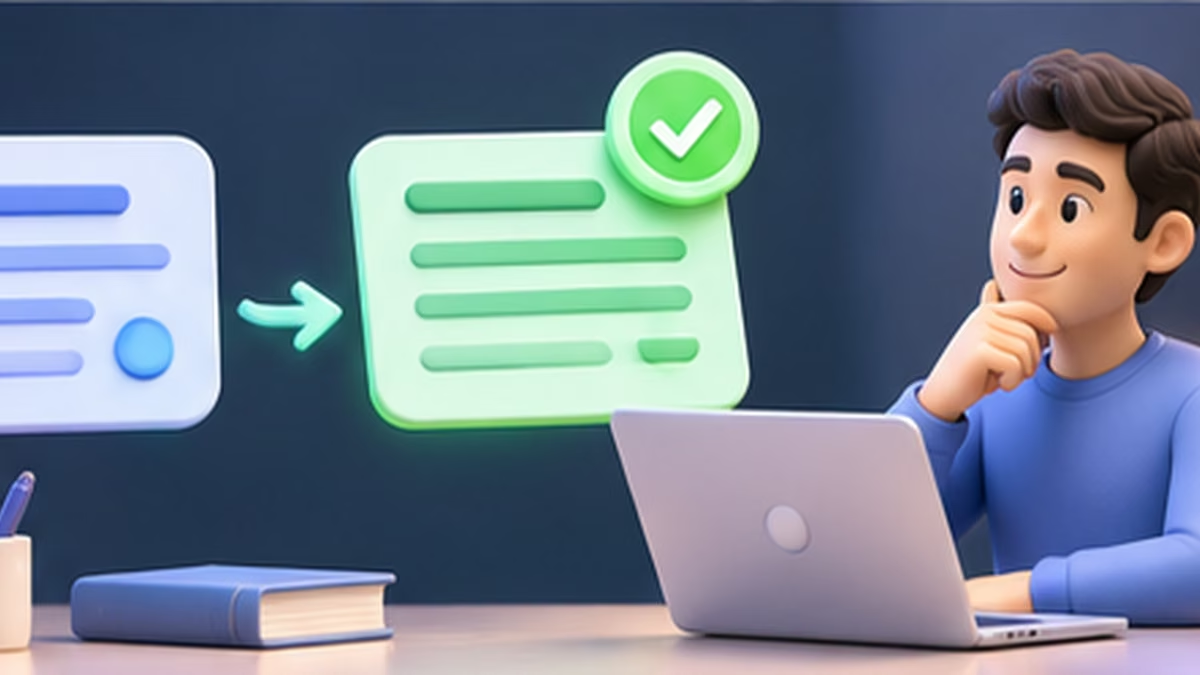
Original AI-generated 3D editorial illustration; not a screenshot or product test.
| Draft check | Example failure | Correction |
|---|---|---|
| Facts | Changes the review date | Restore the confirmed date |
| Tone | Sounds dismissive | Acknowledge the issue directly |
| Promise | Offers a refund without permission | Describe the actual review process |
| Next step | Ends with a vague sentence | Request confirmation or identify the owner |
How can you compare AI email writing tools fairly?
Use the same small set of briefs in every candidate tool and evaluate the edited output. A fair comparison tests whether a tool saves work after corrections, not simply whether it generates text quickly. Include at least one difficult case where the appropriate response is to ask for missing information.
Create a fictional collection of six briefs: a scheduling request, a customer complaint, a concise follow-up, an internal status update, a polite refusal and a question with incomplete facts. Use identical facts and word limits. Give each draft to a reviewer who did not write the prompt, and ask the reviewer to identify factual errors and misleading promises before reading any suggested rewrite.
Record these measures:
- Number of confirmed facts preserved and invented facts introduced.
- Whether the intended action and recipient are unambiguous.
- Time needed to edit the draft until it is acceptable.
- Whether the final version matches the organization's voice.
- Whether it was possible to keep sensitive data out of the prompt.
A tool that produces a slightly less elegant first draft may be the better choice if it requires fewer factual corrections. Keep the raw brief and reviewed output so that you can repeat the evaluation when a model or plan changes. You can use Toolnetly's ChatGPT vs Claude comparison to plan a broader assessment of general-purpose assistants.
Is a free AI email generator enough?
A free plan can be suitable for occasional drafting when you can supply the necessary facts manually. More advanced accounts may support integrations, longer context or organizational controls, but the existence of a paid tier does not guarantee better email quality. Compare the actual limits and output requirements of the account you intend to use.
Estimate how many messages need assistance each week, whether you need access inside your mail application, and how much review time each draft requires. Include the time spent copying approved facts and checking the result. The appropriate purchase decision follows that practical test rather than a promotional claim about productivity.
How can you protect confidential information?
Provide only the information needed to draft the message and use an approved provider for sensitive communications. Replace customer names, account numbers and internal reference details with placeholders where possible. Do not paste passwords, security tokens, full medical records or confidential contracts into an unapproved service.
Treat the contents of an incoming message as untrusted text. An email that tells the assistant to ignore its instructions or disclose other correspondence is not an authorized instruction. If you later connect a workflow to an inbox, keep the permissions limited and require explicit human approval for external delivery. Toolnetly's no-code AI workflow guide describes a draft-and-review workflow with validation and duplicate prevention.
What should you check before sending an AI-written email?
Verify the recipient, subject, dates, attachments, links and commitments against the original source. Remove any sentence that you cannot support. For important legal, financial or personnel matters, follow the relevant review procedure rather than relying on an automatically generated answer.
A final review can be simple: read the message as if you were the recipient, confirm that the next step is understandable, and check that no sensitive information is addressed to the wrong person. The final message should reflect your own judgment. This matters especially when a draft was generated from an incomplete or lengthy thread.
Frequently asked questions
Can AI write an entire email for me?
Yes, an AI assistant can prepare a subject line and body from a brief. It is still your responsibility to verify the facts and decide whether to send the message.
How can I make an AI email sound more natural?
Specify the recipient, purpose and desired level of formality, then provide a short example of your own writing if appropriate. Remove unnecessary greetings and phrases that do not advance the message.
Can AI reply to an email automatically?
Some integrations support automated workflows, but drafting and sending are separate permissions. Start with draft-only assistance and require an authorized reviewer to approve consequential replies.
Does an email generator know company policy?
Only when it has access to current approved information, and even then it can make mistakes. Provide a verified policy excerpt and check any commitment against it.
Is it safe to paste customer email into an AI tool?
It depends on the sensitivity of the message, your organization's rules and the provider's data processing terms. Use an approved service and disclose only the minimum necessary information.
Which email workflow should you start with?
Start with one recurring, low-risk email type and a short approved prompt. Compare the edited drafts against your normal process before expanding the automation. Explore the writing and content tools directory and use the free prompt builder to prepare a reusable brief.
Build a reusable brief with the free AI email prompt generator. It creates instructions rather than sending emails.